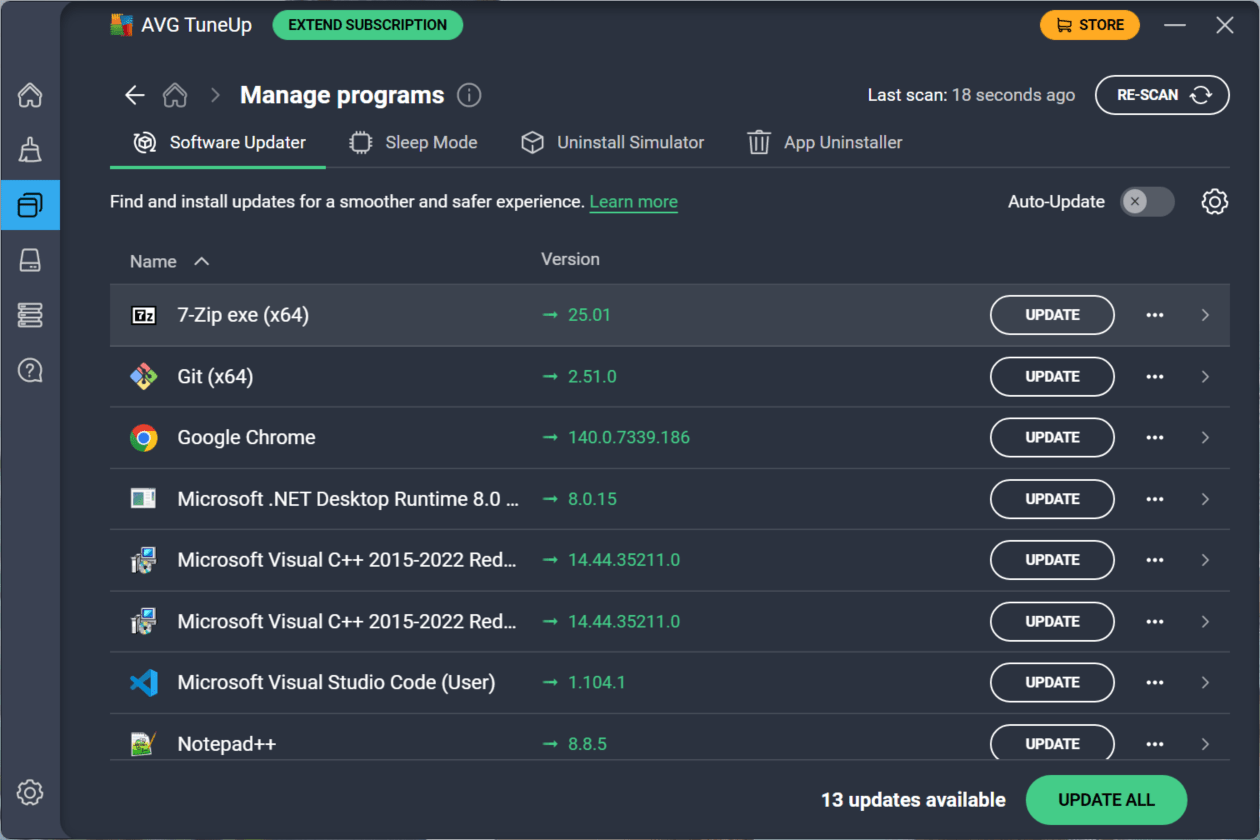
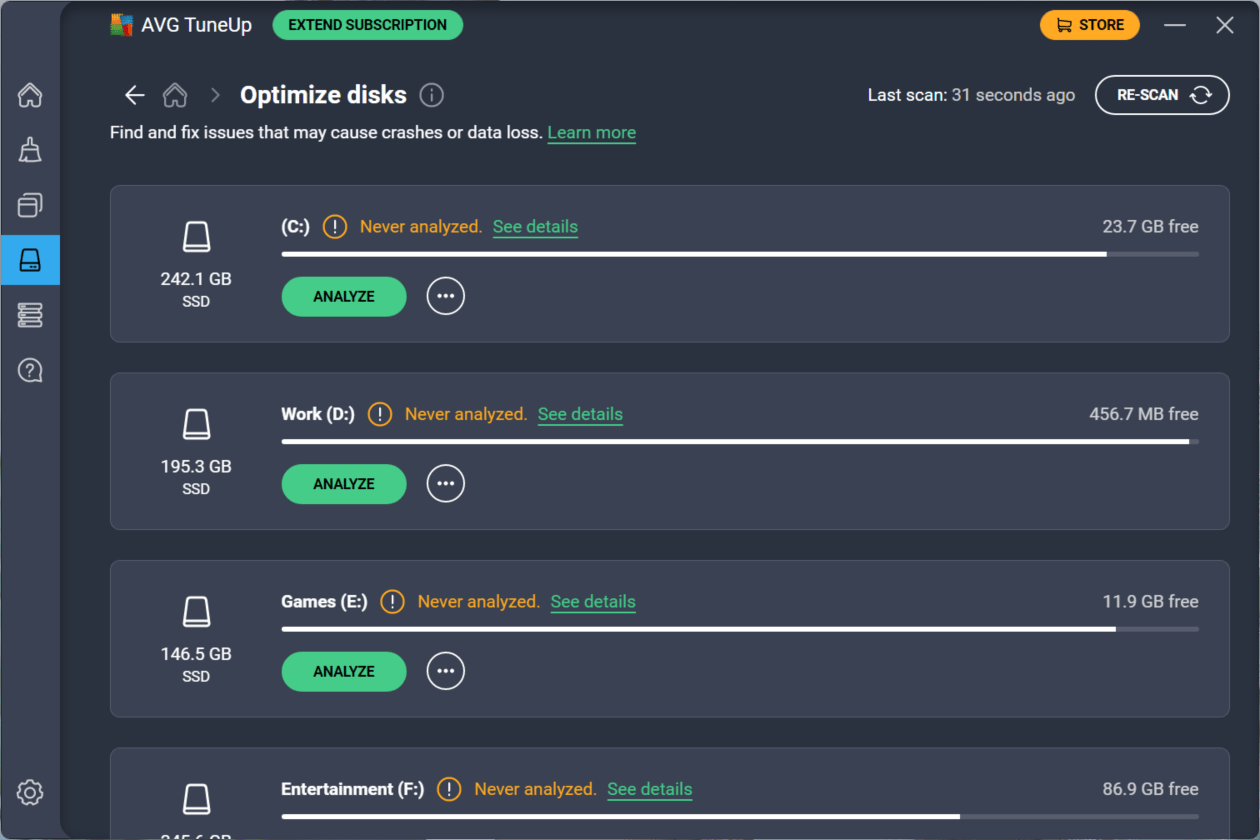
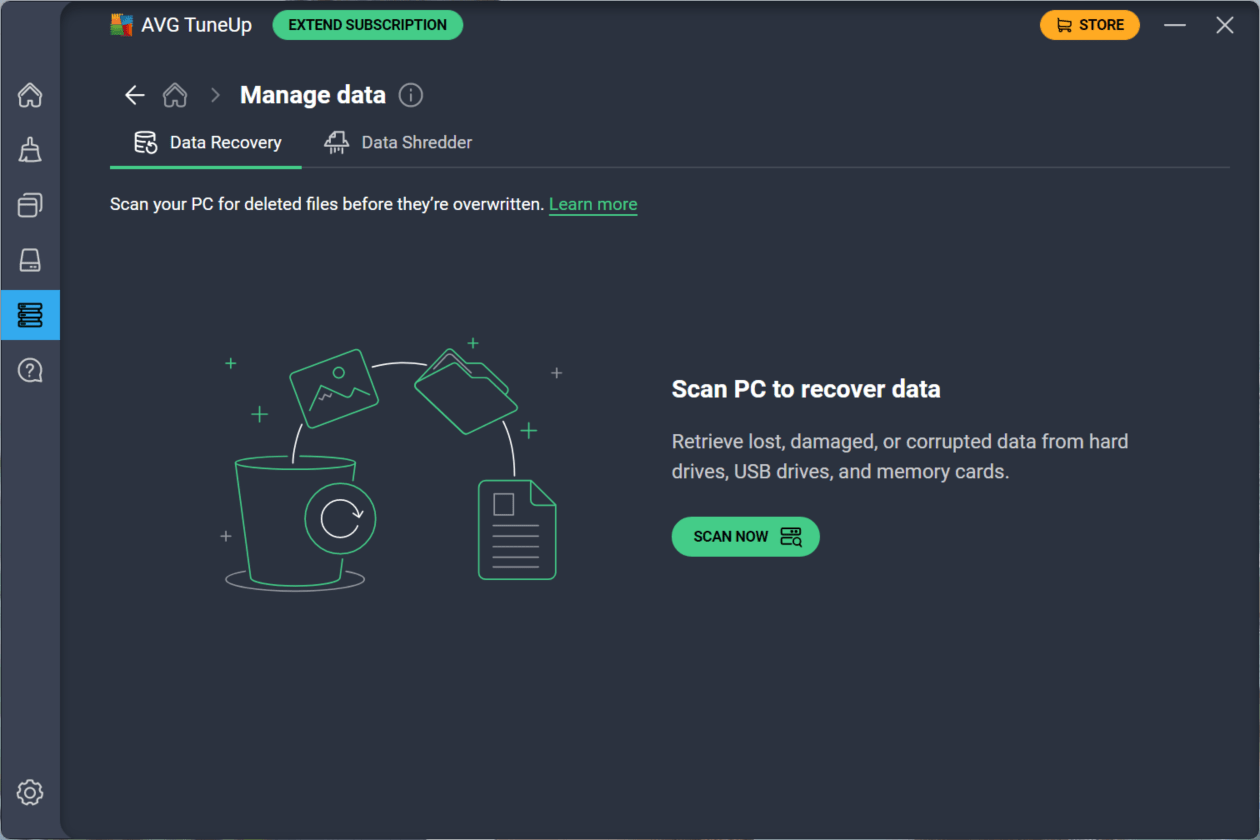
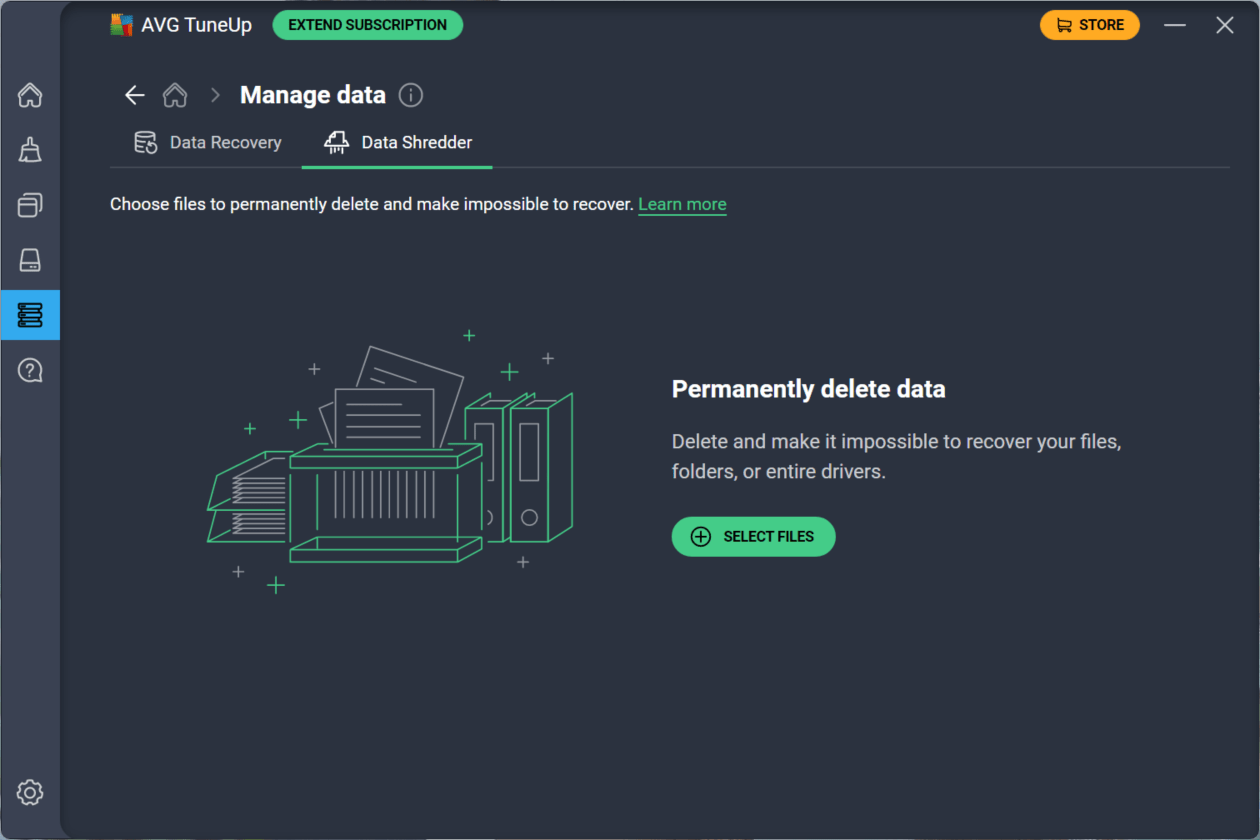
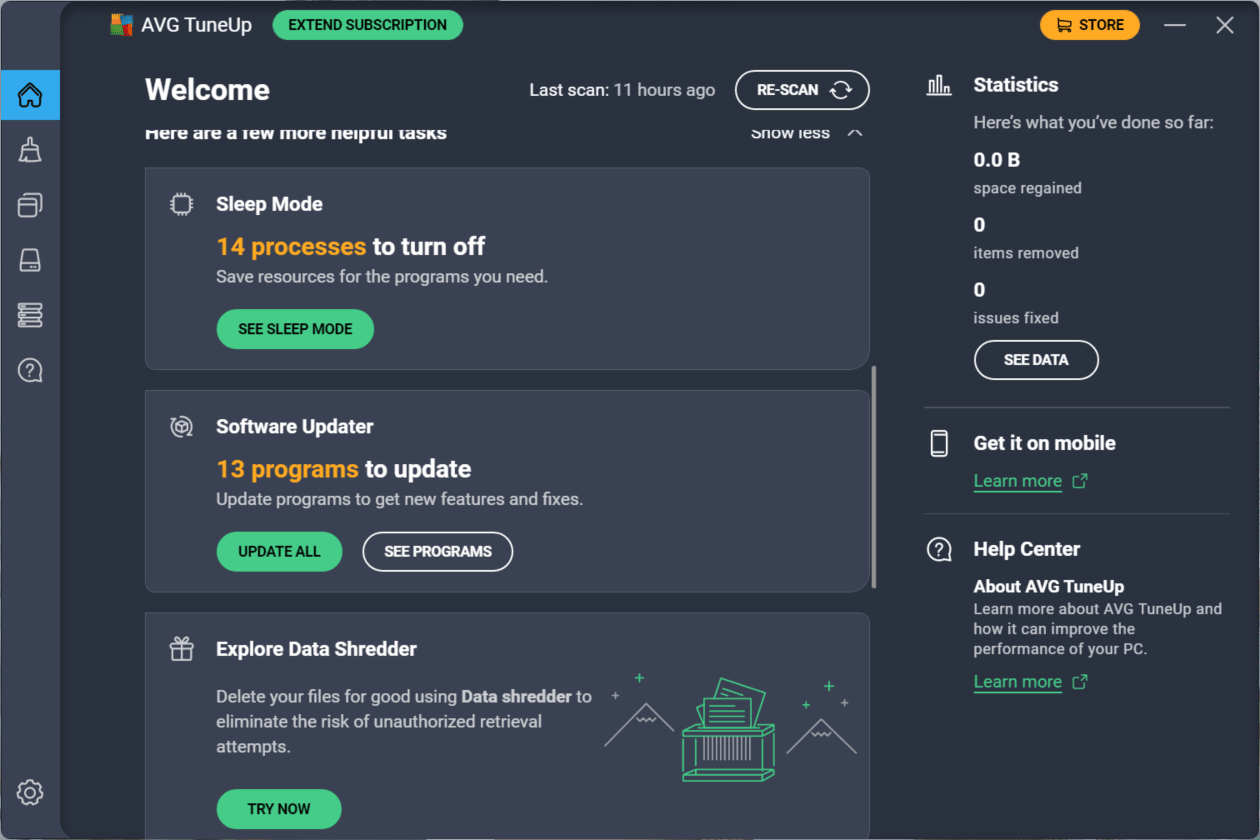
AVG TuneUp is system optimization software from AVG Technologies designed to give your Windows PC a second life. If you notice that your PC often gets slow or lags randomly, there might be something clogging it up. With AVG TuneUp, you can do a broad cleanup and get a faster startup, smoother performance, longer battery life, and proper maintenance.
In a world where PCs are filled with bloatware, malware, cached files, and background processes, TuneUp comes in to save the day by offering a one-stop solution for people who don’t want to get into advanced settings to figure out what could be causing issues.
Cleaning and optimization
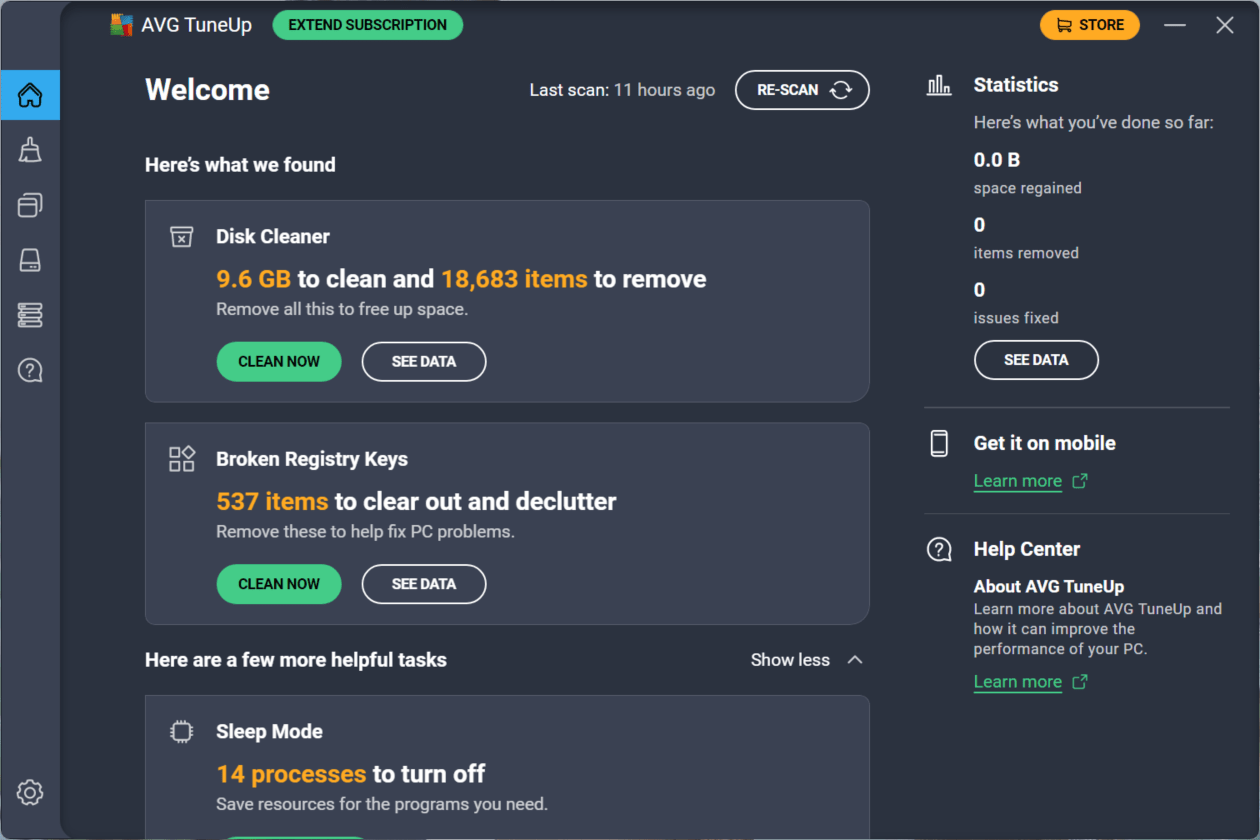
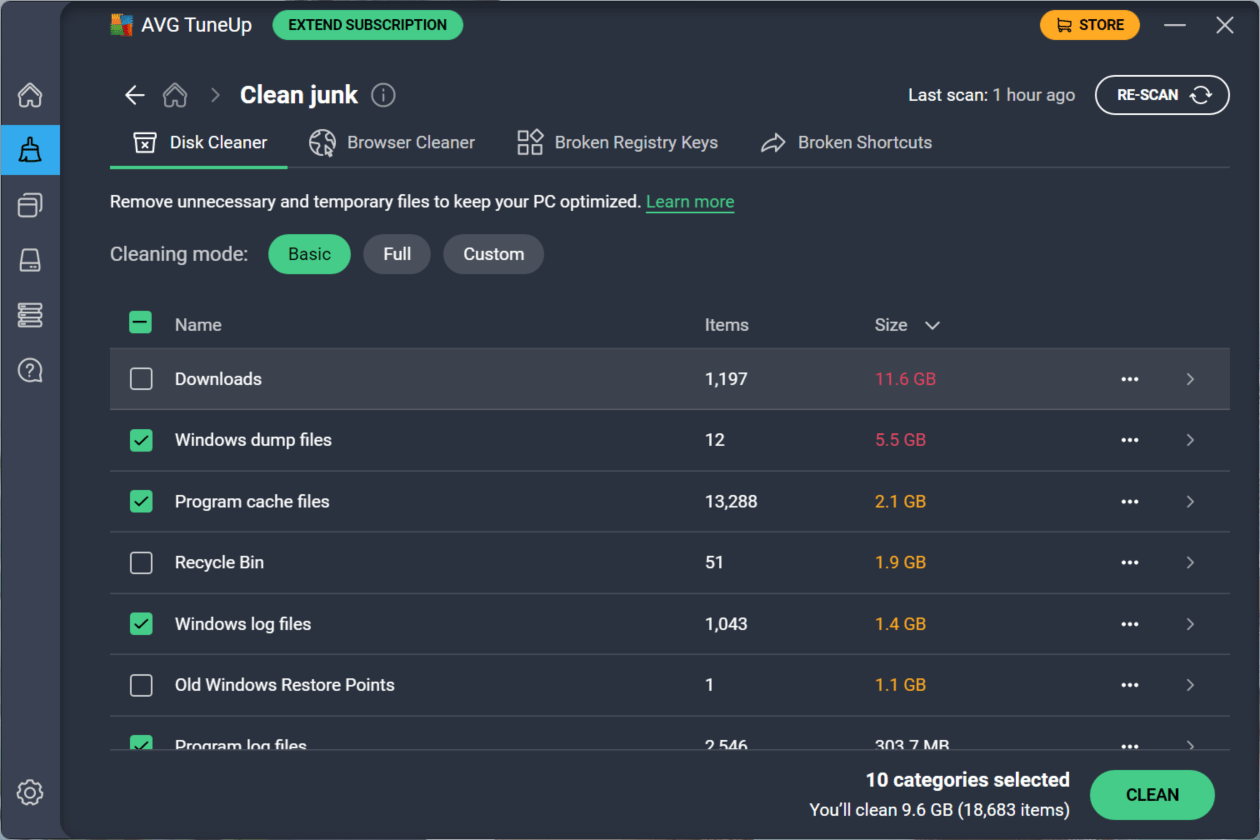
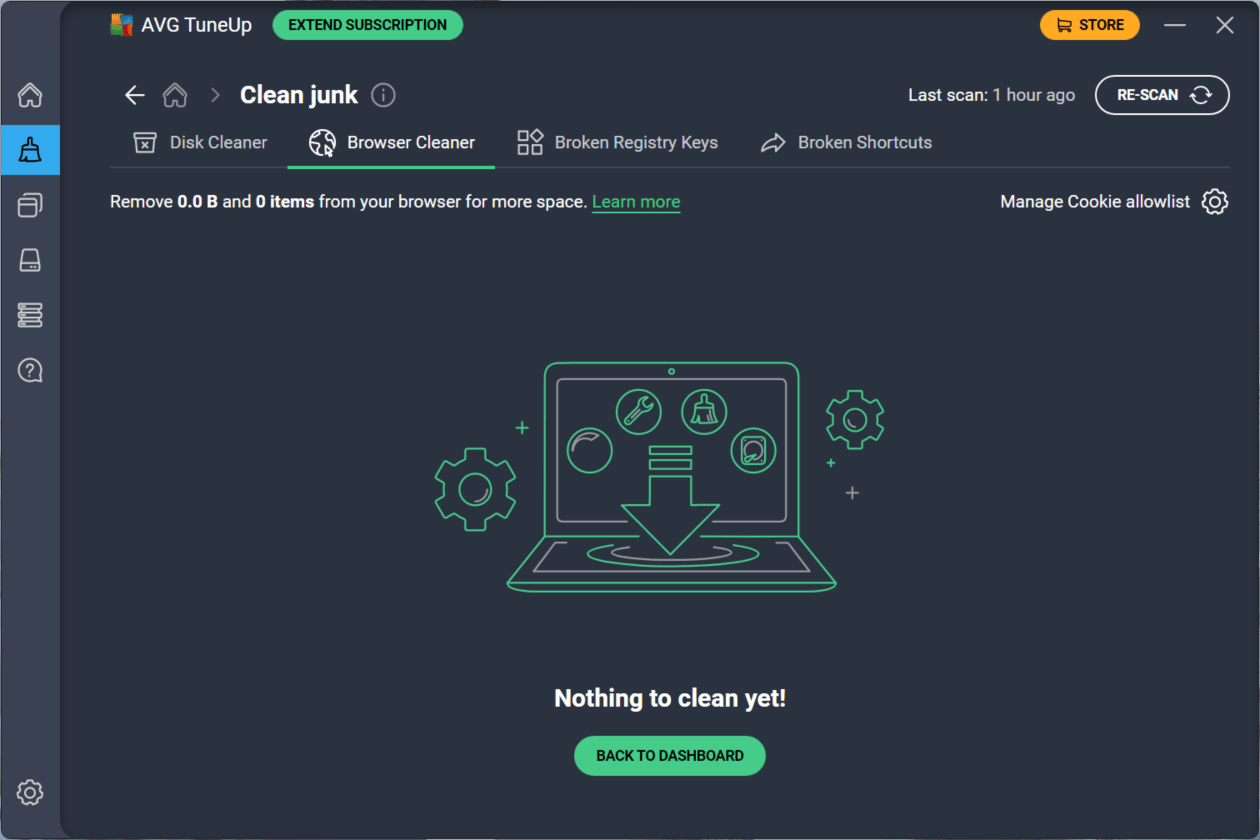
The app's main specialty is its capability to clean junk files and browser caches, as well as fix broken registry entries that keep filling up over time and causing your PC to slow down. The built-in Disk Cleaner and Browser Cleaner are where it all happens. These two modules within the app are quite effective at massively freeing up storage space.
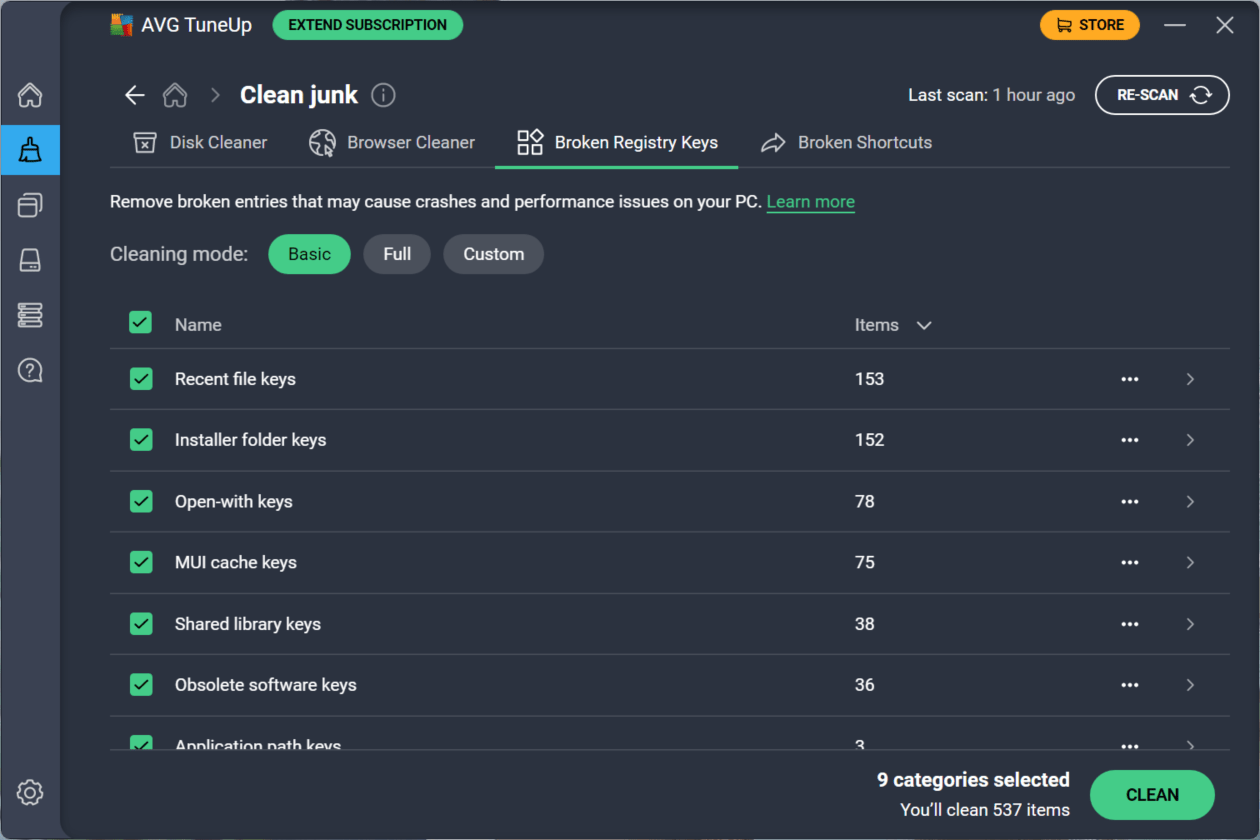
A Registry Cleaner is also included. While many people often say registry cleaning doesn't really do much for a PC, we will let you decide that for yourself. The good thing is that TuneUp has this feature to clean it up with a single click.
Sleep mode for apps
You might notice some resource-intensive applications keeping running in the background and filling up your memory, which causes your PC to lag. Sleep mode was created specifically to solve this issue. It is very effective, especially for older PCs with limited resources.
What this does is detect apps running in the background and disable them until needed, reducing CPU and RAM usage. Unlike Windows' own startup manager, sleep mode continuously monitors processes and can automatically put apps to sleep after startup. In real-world use, this can noticeably reduce lag and extend battery life on laptops.
Automatic maintenance
An automatic maintenance tool routinely clears browser traces, cookies, broken shortcuts, and unnecessary cache files. It runs quietly in the background and doesn't bother you or need any input, which is a big plus for users who want a set-it-and-forget-it approach.
Pricing
AVG TuneUp comes with a free trial, and after that, you have to opt for one of two coverage options:
- 1 PC
- Up to 10 devices (across platforms)
The software is subscription-based. The prices vary based on region, time, and ongoing promotions or discounts.
Conclusion
AVG TuneUp is a solid utility for users who want a simple, automated way to keep their Windows machines running smoothly. Features like sleep mode and automatic maintenance are quite beneficial and make it stand out from generic PC cleaning apps. It's best suited for people with older or slower PCs who want a performance boost without tweaking settings themselves. On newer, well-maintained systems, the improvements may feel minimal.
Best for?
Users with aging Windows PCs or laptops that feel slow and cluttered. It is ideal for non-technical users who want a simple, all-in-one utility to keep their system clean, fast, and automatically maintained.